How you earn
When someone buys with your code, they get $5 off and you earn 40% of what they actually pay. If you've agreed a different rate, your approval email shows it.
The buyer enters your code at Stripe checkout. Sharing a link alone won't credit you: there are no referral cookies or tracking links.
When you get paid
Commission has a 35-day hold. We review payouts monthly and send them by PayPal, Venmo, or Zelle. The $25 minimum rolls forward if you haven't reached it; it's waived for December batches.
A signed W-9 must be on file before we can pay you. Self-purchases don't earn commission and are held for review. Refunds and chargebacks can remove commission or reduce a later payout.
For the full rules, read the Affiliate Terms. For payment or W-9 questions, reply to your approval email.
What to recommend
The Unlocked Series is Certain Step's course line for teens 14 to 18. Parents usually buy; teens work through the lessons on their own. Each course has a free Lesson 1, and purchased access doesn't expire.
For a general recommendation, share the teen course hub. If someone's asking about a first budget, a card offer, or a paycheck, send the course that fits.
| Course | Price | With code | You earn |
|---|---|---|---|
| Money, UnlockedBuild a budget and practice spending decisions. Try Lesson 1 | $29 | $24 | $9.60 |
| Credit, UnlockedRead card offers and understand borrowing costs. Try Lesson 1 | $39 | $34 | $13.60 |
| Earning, UnlockedRead a paycheck and plan work around school. Try Lesson 1 | $29 | $24 | $9.60 |
| Finance Starter, UnlockedMoney, Credit, and Earning together. | $69 | $64 | $25.60 |
The bundle earns commission once on the payment. There's no upgrade credit for a course already owned, so check before recommending it.
Course details and buyer questions
Each course has 5 self-paced lessons and works in a browser on a phone, tablet, or computer. There isn't a subscription.
Money includes a Budget Template and Parent Conversation Guide. Credit includes a Payoff and Utilization Calculator, Card Offer Decoder, and Payment and Due Date Guide. Earning includes the First Job Starter Kit and Ask For Hours card.
Refund requests are eligible within 30 days if the learner hasn't completed Lesson 3. Read the Refund Policy for conditions and exceptions. For bundles, completing Lesson 3 in any included course ends refund eligibility for the whole bundle.
What you can post
Recommend the brand, a course, or a free lesson on the platforms you listed in your application. Use your own words, our images, or an example below. Post where affiliate recommendations are welcome; coupon-listing sites and mass code distribution aren't allowed.
Keep it honest
- Talk about what the learner does: build a budget, read an offer, or work through a paycheck.
- Share your own experience only if you've tried it. Don't invent reviews or results.
- Make clear that you're an affiliate. You don't speak for Certain Step or approve refunds.
Leave out the promises
- Don't promise higher income, a better credit score, or guaranteed results.
- Don't invent discounts, deadlines, or claims that every teen finishes or loves the course.
- Don't call the refund policy an unconditional 30-day guarantee.
Show the relationship
A clear #ad beside the recommendation can work.
If you'd rather say it in a sentence, use something like this:
Ad: Certain Step pays me when you buy with my code.
- Keep the disclosure easy to see, before a "more" expansion.
- Don't hide it in your profile, a pile of hashtags, or only at the end.
- For Stories, show it on each promotional frame and leave time to read it.
- For video, say and show the relationship when you recommend Certain Step, not just in the description.
- For a livestream, repeat it so later viewers see it too.
This is publishing guidance, not legal advice. See the FTC's disclosure guidance.
Paste the code from your approval email to fill in the examples below.
Copy a post
You can use one as written or change it to sound like you! Remember to keep the disclosure clear (at least #ad), add your code, and pair it with an image below if you like. Here are some ways you can...
Introduce Certain Step
Not sure where to start with money conversations? #ad
Certain Step's The Unlocked Series gives teens a budget to build, a card offer to decode, and a paycheck to work through. Pick the topic your family needs next and try Lesson 1 free.
https://certain-step.com/teens/#courses
If you buy, enter [YOUR CODE] at Stripe checkout for $5 off. I earn a commission when you use my code.
Introduce Earning Unlocked
That first paycheck can be confusing. #ad
Earning, Unlocked from Certain Step lets teens take apart a pay stub, compare job offers, and plan work around school.
Try Lesson 1 free: https://certain-step.com/teens/earning-unlocked/lesson1.html
Use [YOUR CODE] for $5 off at Stripe checkout. I earn a commission when you use it.
Introduce Credit Unlocked
A small monthly payment isn't the full price. #ad
Credit, Unlocked from Certain Step helps teens read card offers and see what borrowing costs in dollars. They practice without opening a real card.
Try Lesson 1 free: https://certain-step.com/teens/credit-unlocked/lesson1.html
Enter [YOUR CODE] at Stripe checkout for $5 off. I earn a commission when you use it.
Introduce Money Unlocked
Knowing what a budget is doesn't mean you can build one. #ad
Money, Unlocked from Certain Step lets teens practice needs, wants, and trade-offs before building a budget with their own numbers.
Try Lesson 1 free: https://certain-step.com/teens/money-unlocked/lesson1.html
Enter [YOUR CODE] at Stripe checkout for $5 off. I earn a commission when you use it.
Talk about a short video or Story
What money decision will your teen make on their own first?
I'm a Certain Step affiliate, so I earn a commission if you buy with my code.
Their teen courses give them a place to practice budgeting, credit, and earning. Try a free Lesson 1 in the topic that fits your family: https://certain-step.com/teens/#courses
If you buy, enter [YOUR CODE] at Stripe checkout for $5 off.
For a video, talk to the camera and show the course hub or a brand image. Say the disclosure when you first recommend the courses and show Ad on screen. For a Story, keep Ad on every promotional frame, add the hub link sticker, and show your code with the checkout instruction.
Images and logos
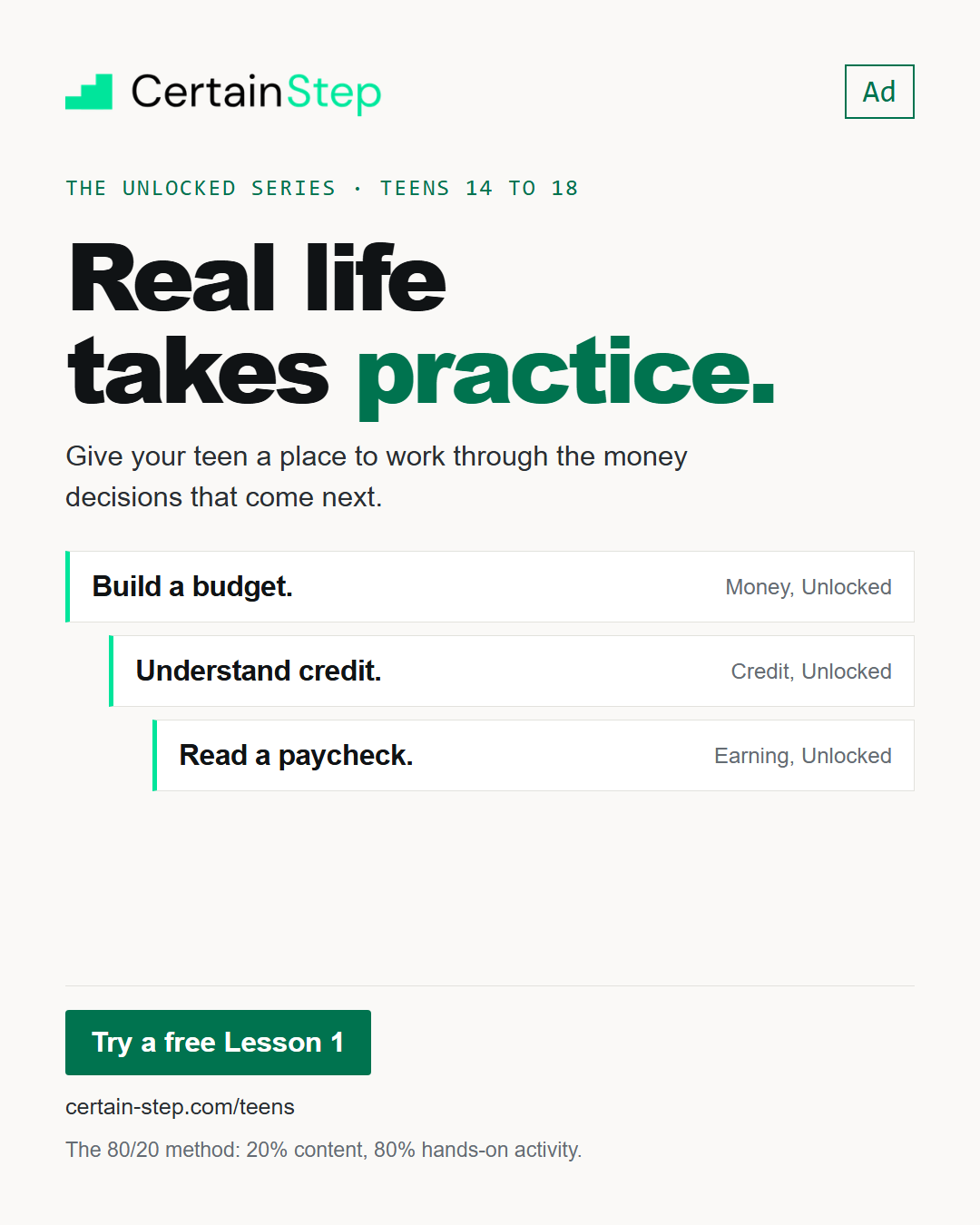
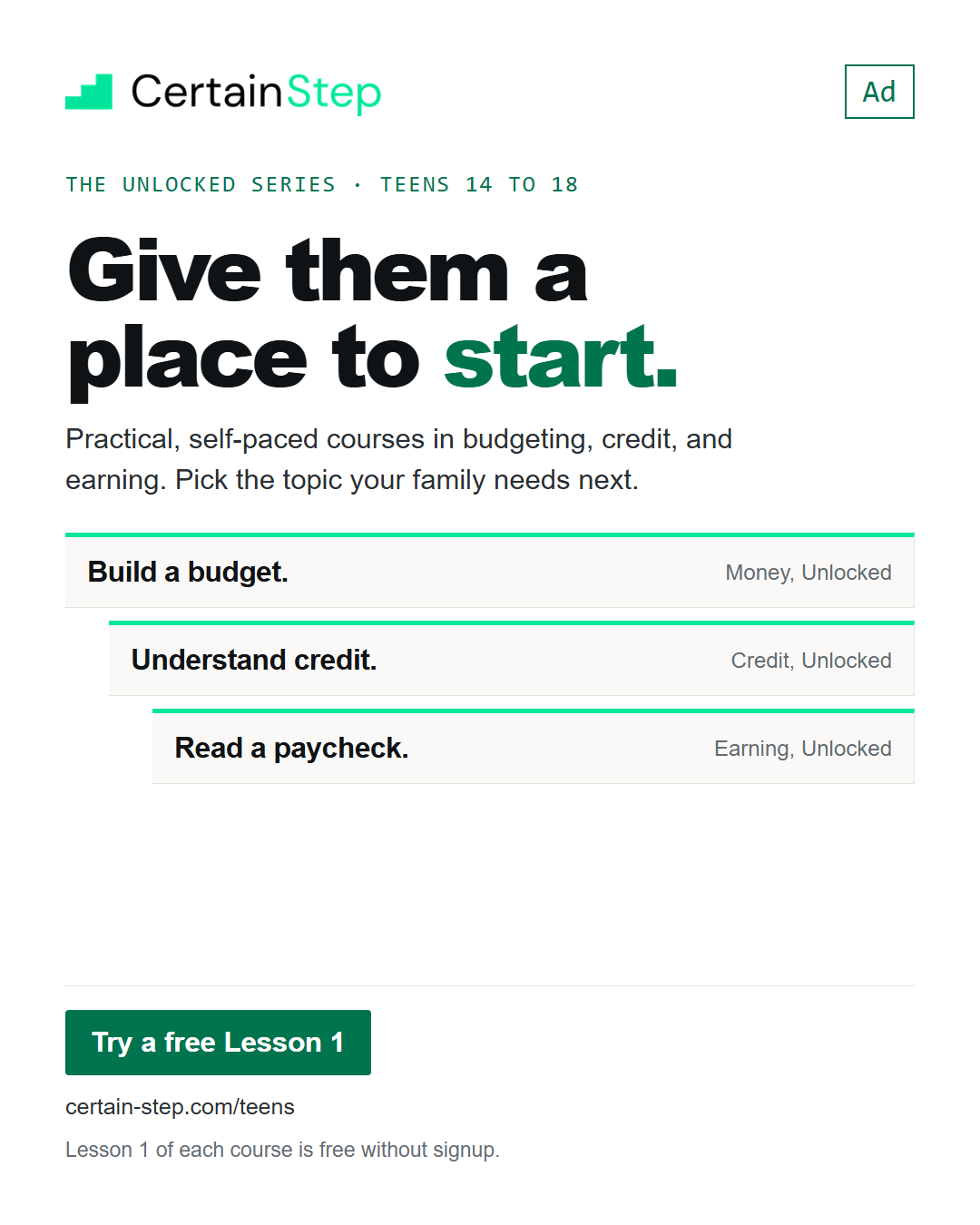
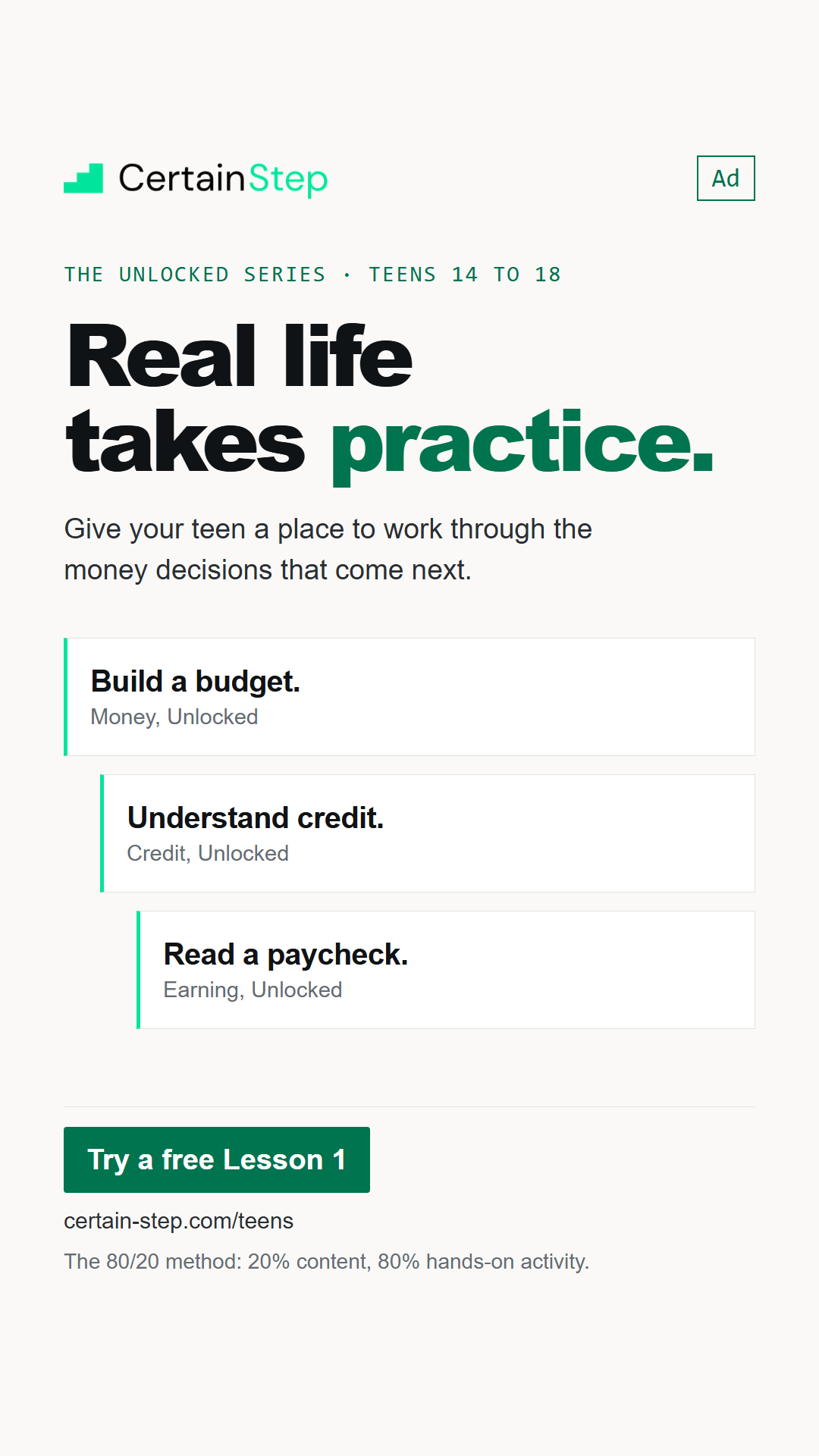
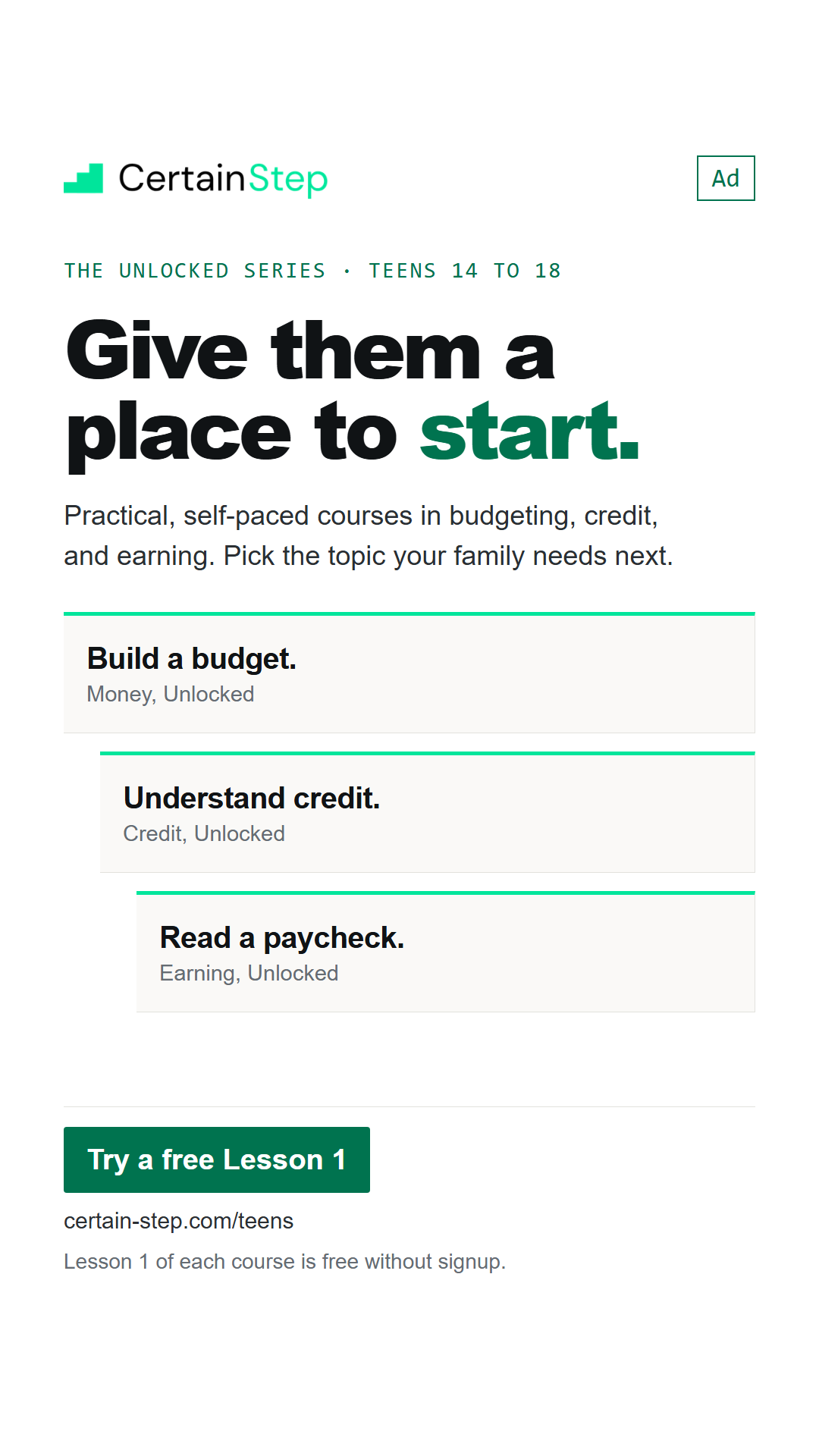
Here are some images to help introduce the teen course line! Download the format you need and add your code in the caption or Story text. Keep the Ad label visible and link to certain-step.com/teens/.
Give them a place to start
Logos and how to use them


Use the logo that matches your background. Keep it readable, leave room around it, and don't stretch, crop, recolor, or redraw it. Don't cover the logo or Ad label when you add Story text.